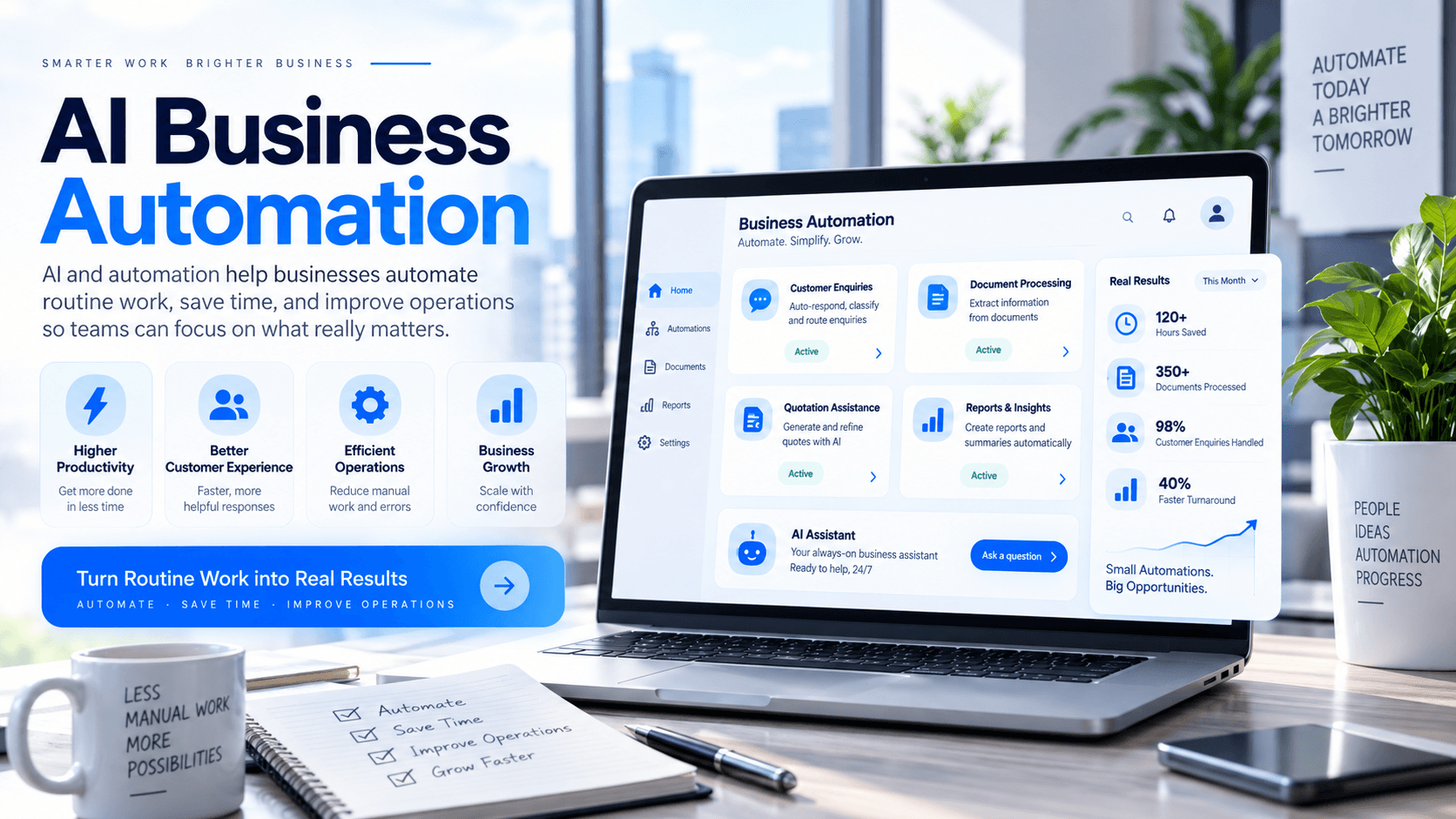
AI automation in simple terms
AI Business Automation combines Artificial Intelligence with software automation to help businesses perform repetitive, information-heavy or decision-support tasks more efficiently. Instead of employees manually completing every step, software can handle selected parts of the workflow automatically.
How is AI automation different from traditional automation?
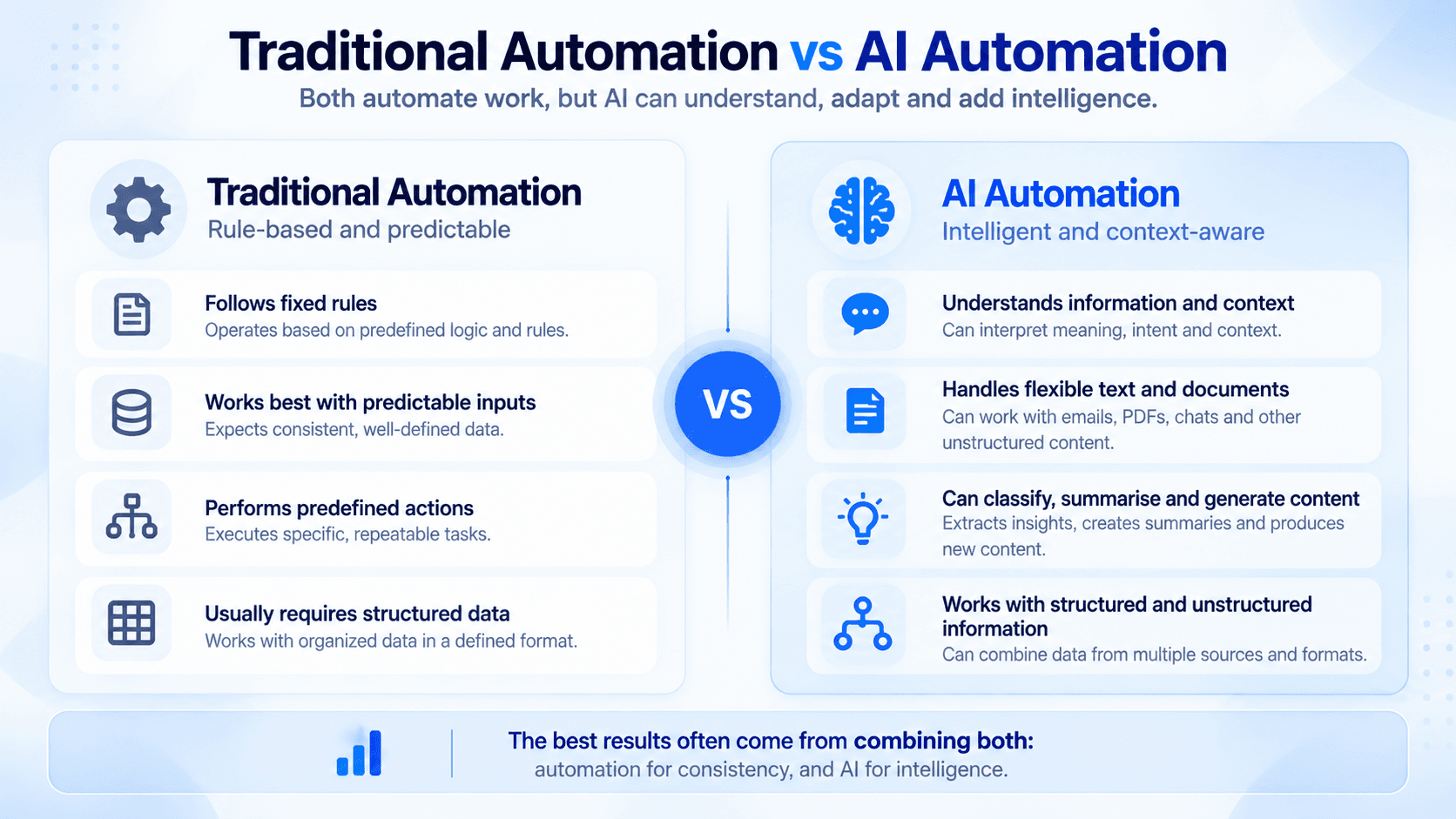
Traditional automation usually follows fixed rules. For example, when a form is submitted, the system may send an email or create a database record. AI automation can add another layer by understanding text, classifying information, generating content, extracting meaning and helping decide what should happen next.
Traditional Automation vs AI Automation
How does an AI automation workflow work?
A typical AI-powered workflow combines business input, AI processing, automated actions and human review. The exact design depends on the business process being improved.
A simple AI automation workflow
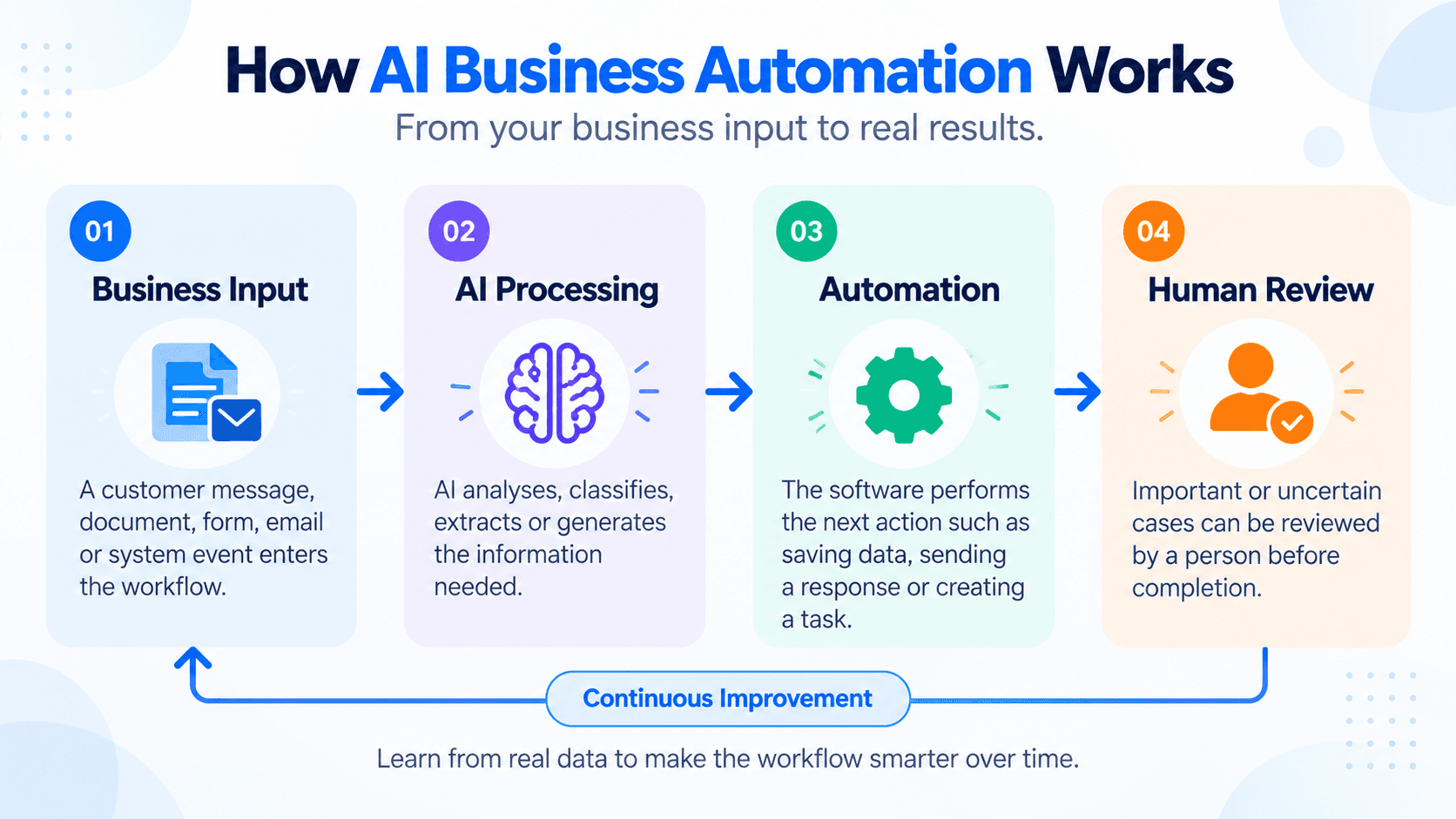
01
Business Input
A customer message, document, form, email or system event enters the workflow.
02
AI Processing
AI analyses, classifies, extracts or generates the information needed.
03
Automation
The software performs the next action such as saving data, sending a response or creating a task.
04
Human Review
Important or uncertain cases can be reviewed by a person before completion.
Where can businesses use AI automation?
AI automation can support many operational areas. The strongest opportunities are usually workflows that involve repetitive administration, frequent customer communication, document handling or large amounts of information.
Customer enquiries
Analyse incoming enquiries, identify intent and prepare appropriate responses or follow-up actions.
Document processing
Extract information from documents and organise it into business systems.
Sales enquiries
Qualify leads, capture project requirements and route opportunities to the right person.
Internal knowledge assistants
Help employees find answers from company procedures, documentation and knowledge sources.
Quotation workflows
Assist with collecting requirements, preparing estimates and generating draft quotations.
Operational reporting
Summarise activities, highlight issues and generate useful business reports.
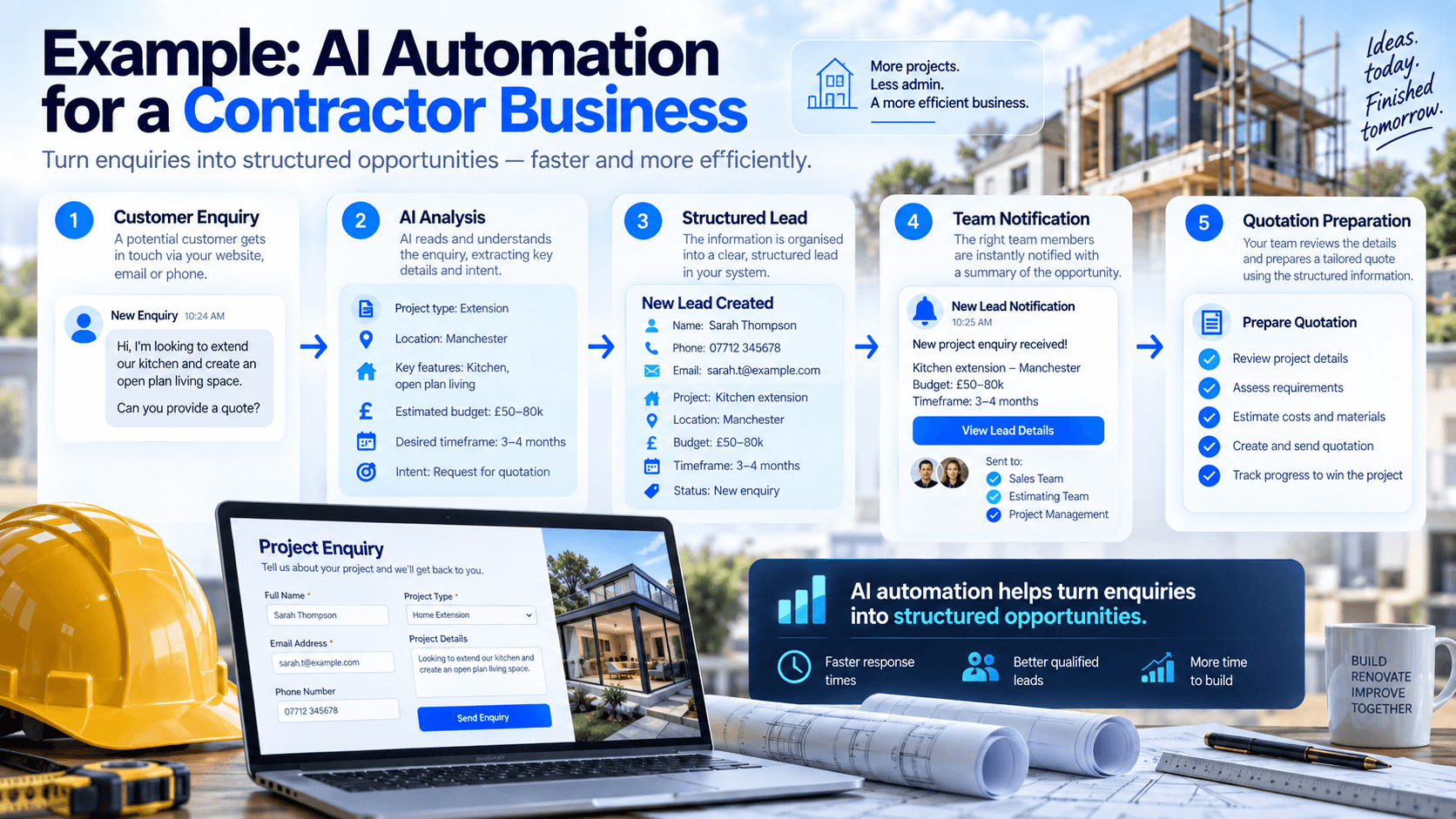
Example: AI automation for a contractor business
A contractor or renovation company may receive customer enquiries through forms, messaging platforms or email. Instead of manually reviewing every enquiry, an AI-enabled workflow could identify the project type, capture the location and budget, prepare a structured project summary and create a lead inside the company's business system.
What are the benefits of AI Business Automation?
Less repetitive work
Employees spend less time copying information, organising requests and performing routine administrative tasks.
Faster response
Business processes can continue immediately instead of waiting for every step to be handled manually.
More consistent workflows
Standard processes can be applied more consistently across customer and operational activities.
Better use of information
AI can help organise large amounts of text, documents and business data into useful information.
Not every process should be automated
Automation should be applied where it creates clear operational value. Complex negotiations, sensitive decisions and situations that require professional judgement may still need direct human involvement. Good AI automation usually keeps humans involved at the right points.
Start with one clear workflow
Businesses do not need to automate everything at once. A practical approach is to identify one repetitive process that consumes time, define its inputs and outputs, then automate only the parts where technology can provide reliable value.
AI automation is about better business workflows
The purpose of AI Business Automation is not to add AI everywhere. The goal is to design better workflows by combining business software, automation and Artificial Intelligence where each technology provides the most value.